Bring in the course you already teach
Choose a teaching folder and let Peregra propose editable topics and lessons. Your originals stay exactly where they are.
 Peregra
Peregra by Elseward
From the Latin roots of peregrination — a journey beyond the familiar. In education, Peregra is the path from what learners know to what they discover next.
Turn the resources you already have into a live, teachable iPad workspace—then send the useful record straight back to your pupils.
One continuous workflow
Peregra removes the hand-offs between planning, live explanation and the lesson record. Your resources arrive organised, your Pencil marks stay in context, and your pupils receive the pages that matter.
Choose a teaching folder and let Peregra propose editable topics and lessons. Your originals stay exactly where they are.
Write with Apple Pencil, add note pages as the conversation develops, and move between the overview and the page in focus.
Select the useful pages, create an ordered PDF and publish or update it in the linked Google Classroom course.
Built for live teaching
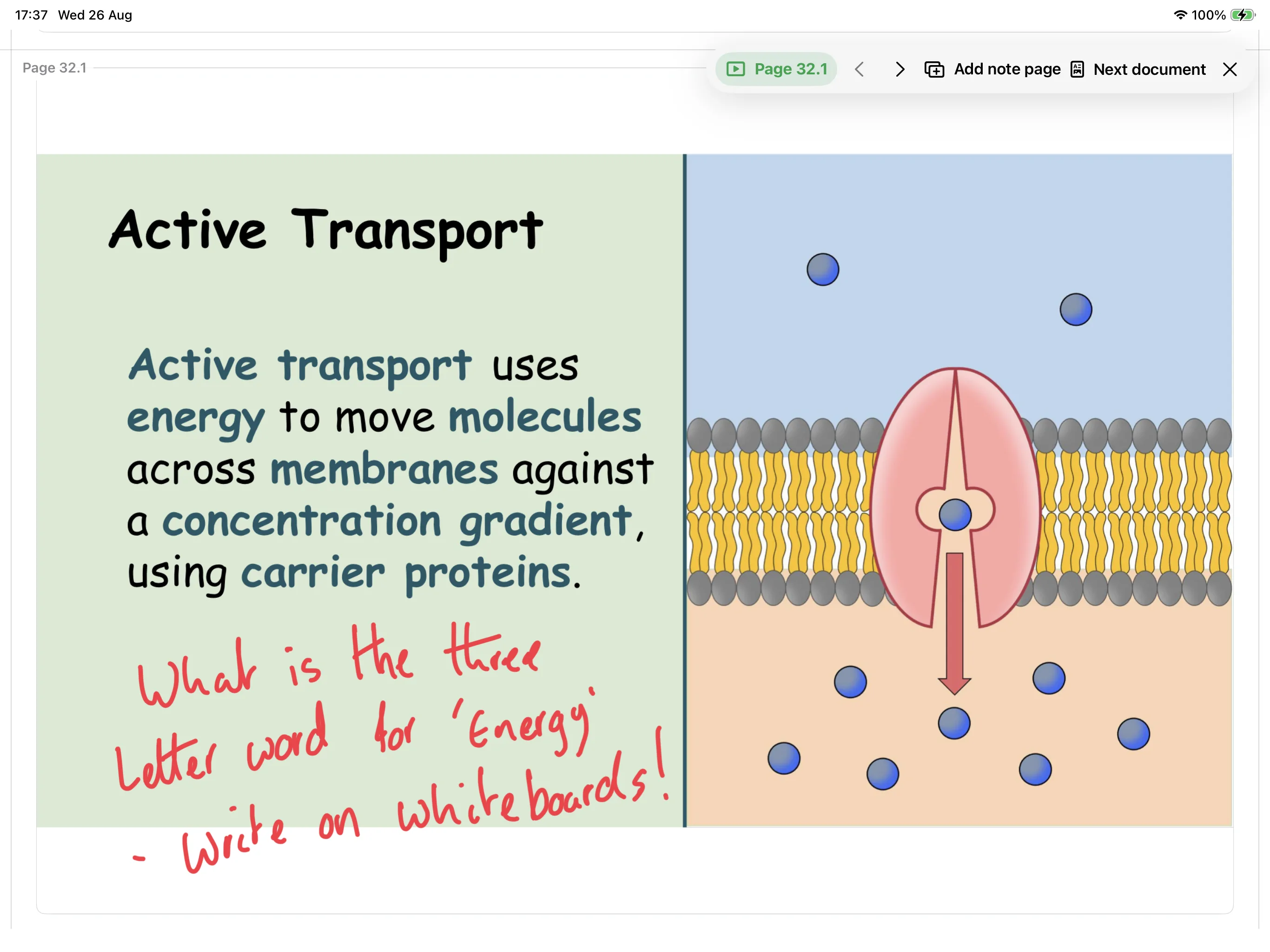
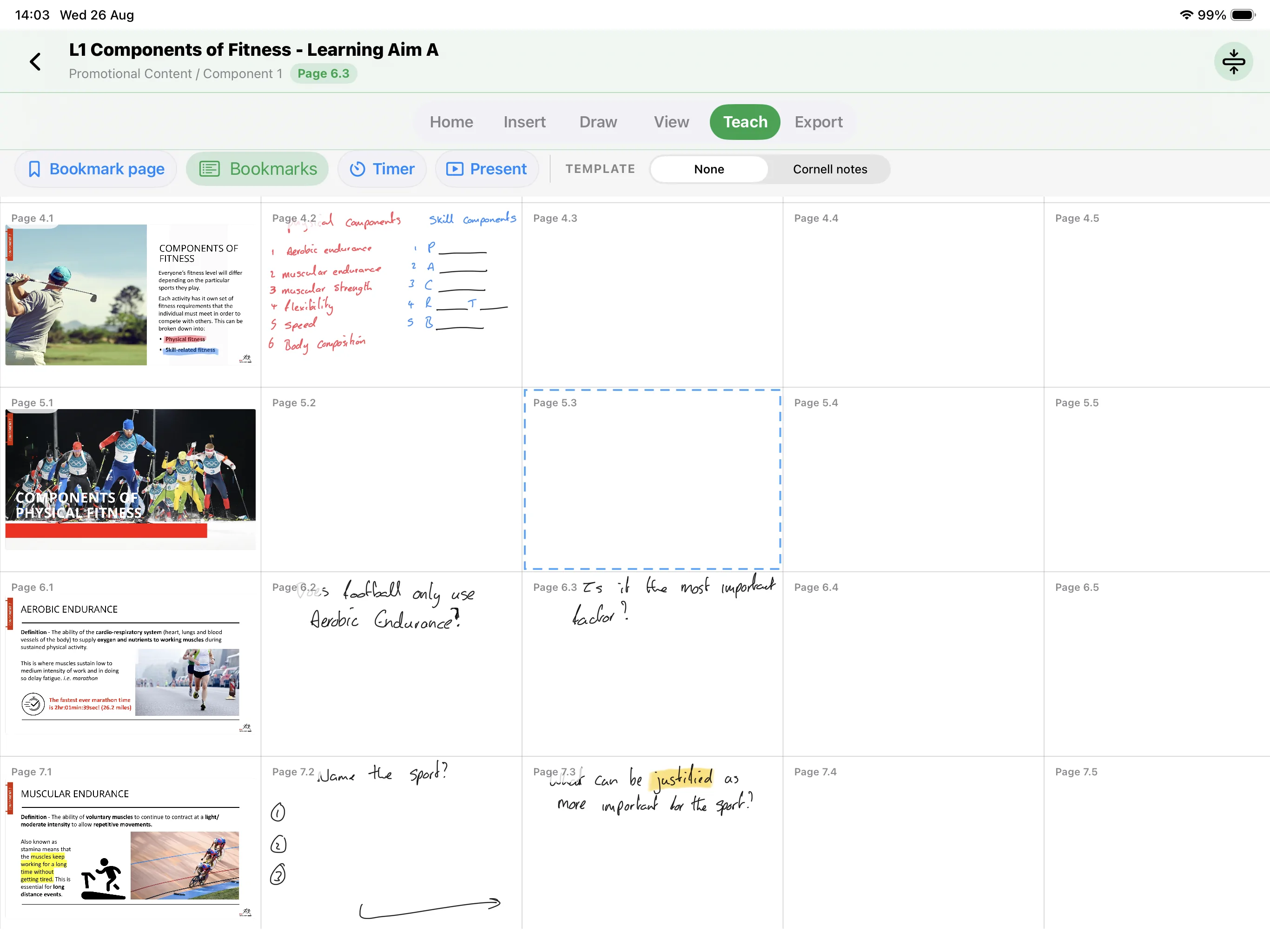
This is what a real Peregra lesson looks like: source material, questions, diagrams and Pencil thinking all held together on one page-aware canvas.
Real app footage
From the first resource to the finished Classroom post, these are real journeys through the current iPad app.
Move from a source slide to a focused page, add the question that unlocks the discussion, and keep the thinking with the lesson.
Preview the structure Peregra suggests, tidy any loose resources, then create a reusable course without changing the source files.
Build the local class structure, connect the teacher account and link the right Google Classroom course when you are ready.
Learn by watching
Short, practical guides show the complete workflow on a real iPad. Follow the timed steps, turn on captions, or jump straight to the moment you need.
Explore all guidesTeacher-directed by design
You choose the source. Peregra works with the file or teaching folder you explicitly select. It does not silently browse your Drive.
You choose the action. Exports and Classroom posts happen only when you request them.
No pupil accounts. Peregra does not request rosters, submissions, grades, guardian data or pupil logins.
Read the full privacy policyPrivate beta
Peregra is being tested with invited educators before wider release.